Data di entrata in vigore: 14 ottobre 2026
Sviluppatore: Robert Poetzsch
Contatto: support@robspace.de
Introduzione
Robert Poetzsch (“noi”, “ci” o “nostro”) ha sviluppato 4Budget come applicazione. La presente informativa sulla privacy spiega come trattiamo le informazioni quando utilizzi la nostra applicazione mobile 4Budget (“l’App”).
Titolare del trattamento ai sensi del GDPR è Robert Poetzsch, e-mail support@robspace.de. L’indirizzo postale si trova nelle note legali di questo sito web.
Il nostro impegno per la privacy
4Budget è progettata con un approccio rigorosamente orientato alla privacy. Tramite l’App non raccogliamo, conserviamo, trasmettiamo né trattiamo alcun dato personale. L’App funziona interamente sul tuo dispositivo, senza componenti lato server.
Dati salvati localmente sul tuo dispositivo
L’App salva i seguenti dati esclusivamente sul tuo dispositivo, nella memoria locale delle impostazioni dell’App (UserDefaults):
• Le tue entrate mensili
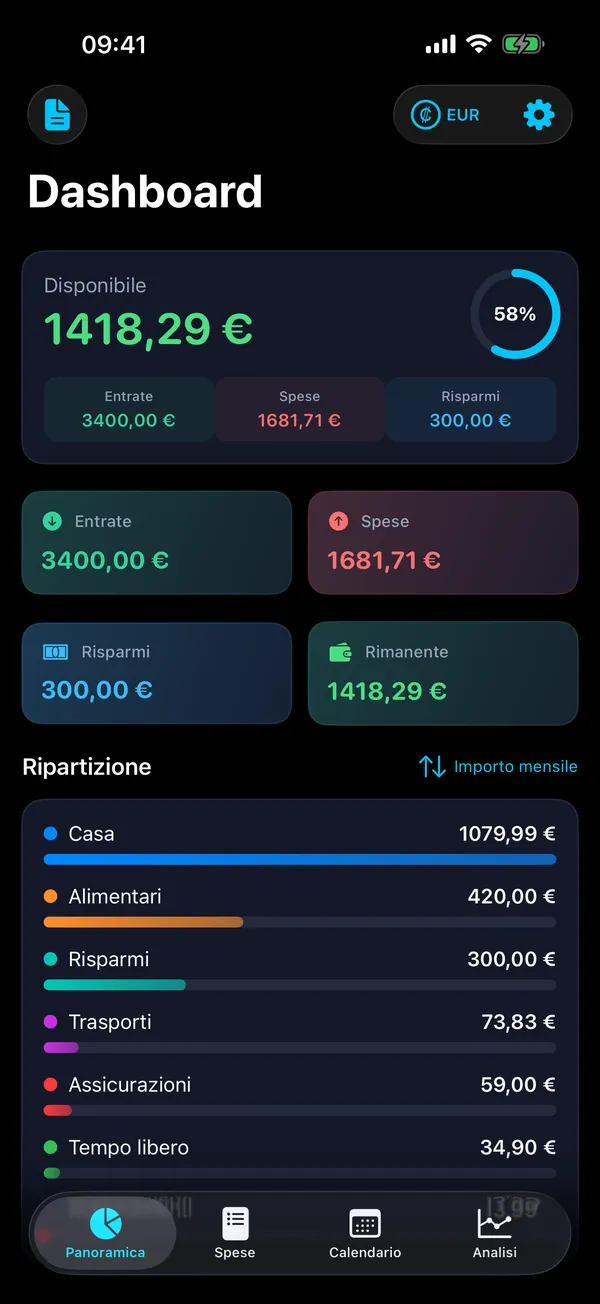
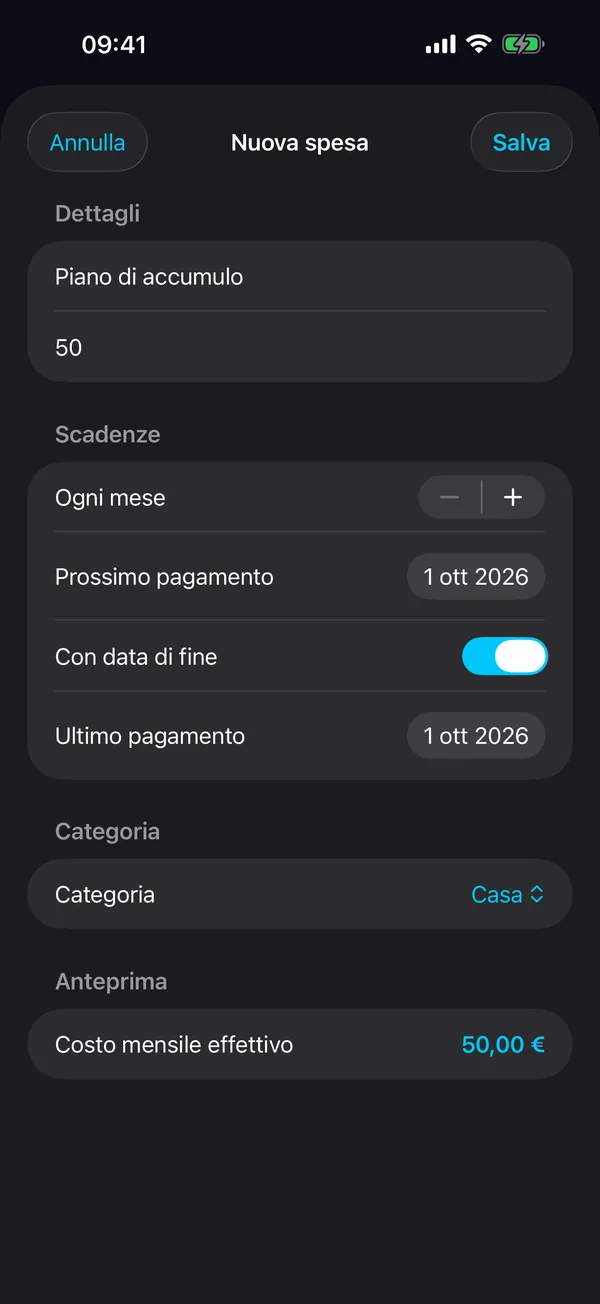
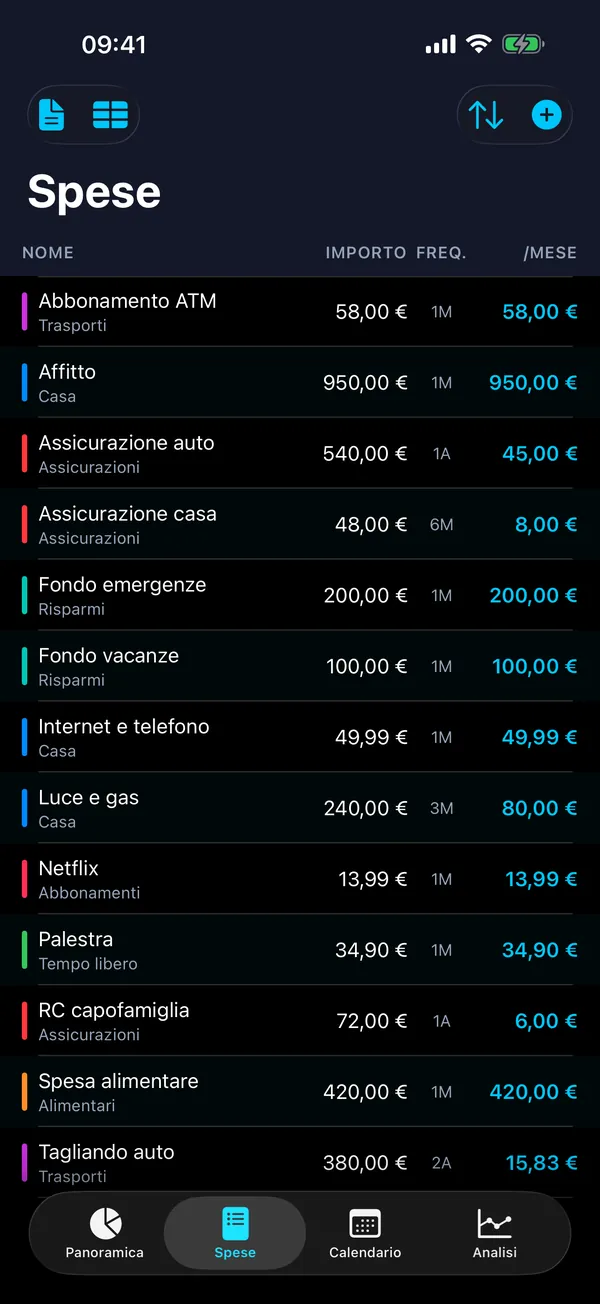
• Le tue spese ricorrenti (nome, importo, intervallo di pagamento, data del prossimo pagamento, categoria, data di fine facoltativa, attiva o inattiva)
• Le tue categorie (nomi, colori e se una categoria conta come risparmio o come spesa)
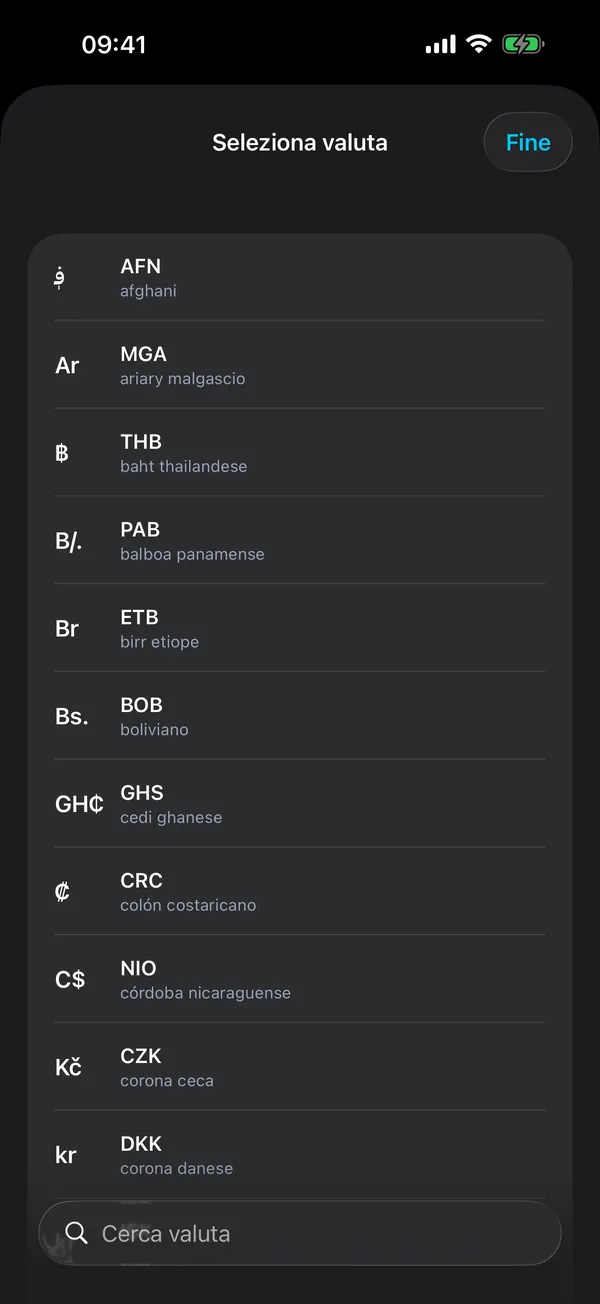
• La valuta selezionata
• La tua impostazione del tema
• Indicatori tecnici: la data dell’ultimo backup automatico, se le categorie predefinite sono già state create e la versione dell’App per cui sono state mostrate per l’ultima volta le “Novità”
File di backup: i backup vengono salvati come file (.4budget) nella cartella Backups, all’interno della cartella Documenti dell’App sul tuo dispositivo. Un backup contiene le tue spese, le tue categorie, le tue entrate mensili, le impostazioni di valuta e tema, oltre alla data di creazione e alla versione dell’App. L’App crea un backup automatico al massimo una volta a settimana e conserva i sei backup automatici più recenti. Puoi anche creare backup manualmente, esportarli tramite il menu di condivisione di iOS, ripristinarli ed eliminarli.
L’App utilizza le impostazioni di lingua e regione del tuo dispositivo per mostrare testi, importi e date e, con una nuova installazione, per preselezionare la valuta della tua regione. Queste impostazioni vengono lette solo sul tuo dispositivo.
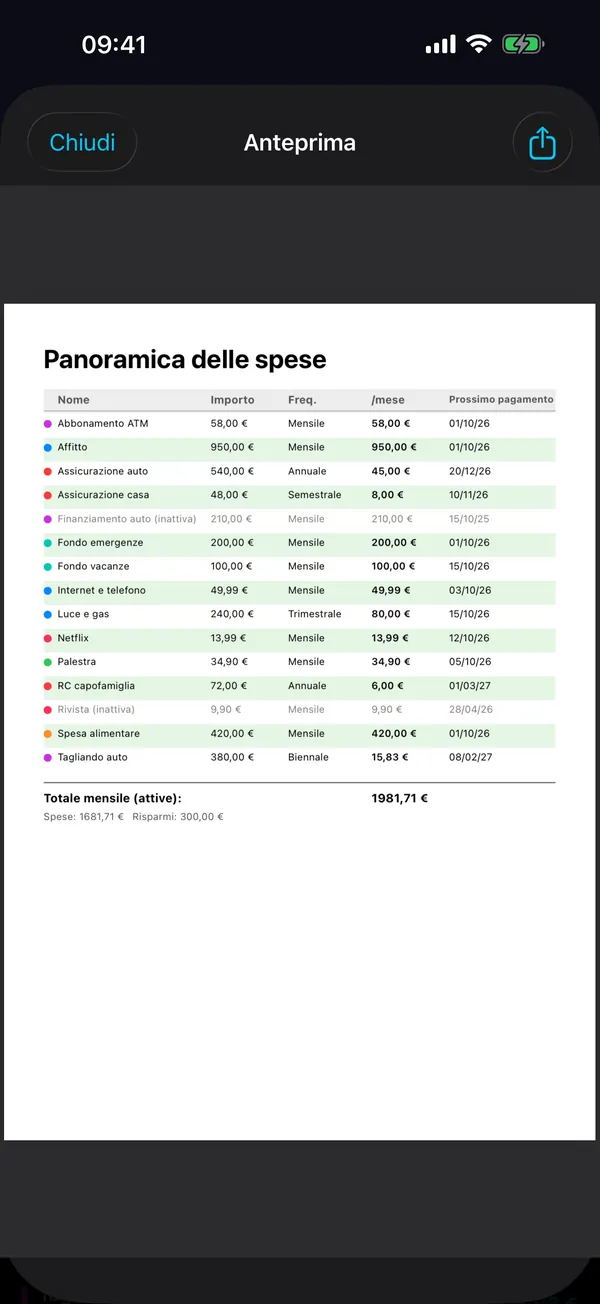
Questi dati non lasciano mai il tuo dispositivo, a meno che tu non scelga espressamente di esportarli o condividerli (come file PDF o CSV, o condividendo un file di backup). Sei tu a decidere, nel menu di condivisione di iOS, dove va un file esportato.
Nessuna raccolta di dati
Tramite l’App non raccogliamo: informazioni personali (nome, e-mail, indirizzo, numero di telefono), analisi di utilizzo o dati comportamentali, identificativi del dispositivo o indirizzi IP, dati di localizzazione né alcuna forma di telemetria.
Servizi di terze parti
L’App non integra alcun servizio di terze parti, inclusi, a titolo esemplificativo e non esaustivo: strumenti di analisi o tracciamento, reti pubblicitarie, servizi di segnalazione degli arresti anomali o SDK di social network.
Utilizzo della rete
L’App non richiede alcuna connessione di rete. Funziona interamente offline. L’App stessa non invia dati a server esterni né riceve dati da essi.
Link
Nelle impostazioni, l’App contiene link a GitHub (“Segnala un bug”, “Suggerisci una funzionalità”, “Discussioni”, “Tutte le app robspace su GitHub”) e un link all’app Impostazioni di iOS (“Lingua”). Un link si apre solo se lo tocchi: i link a GitHub si aprono nel tuo browser web, il link della lingua apre le Impostazioni di iOS. L’App stessa non invia alcun dato in questa occasione. Quando visiti GitHub, si applica l’informativa sulla privacy di GitHub.
Privacy dei minori
L’App non raccoglie informazioni personali da nessuno, compresi i minori di 13 anni. Può essere utilizzata in sicurezza da persone di ogni età ed è conforme al Children’s Online Privacy Protection Act (COPPA) e a normative analoghe.
Condivisione dei dati
Non condividiamo dati dell’App con terze parti perché tramite l’App non raccogliamo alcun dato. Non esistono informazioni personali, dati di utilizzo o dati analitici da condividere, vendere o divulgare.
Sicurezza dei dati
Poiché tutti i dati sono salvati localmente sul tuo dispositivo, la loro sicurezza è affidata alle funzioni di sicurezza integrate del dispositivo (come la crittografia del dispositivo, il codice e il blocco biometrico). Ti consigliamo di mantenere aggiornato il software del dispositivo per beneficiare delle protezioni di sicurezza più recenti.
Questo sito web
Questo sito web è ospitato da Hetzner Online GmbH su un server in un data center a Falkenstein (Germania). Quando apri una pagina, il server web registra automaticamente il tuo indirizzo IP, la data e l’ora, la pagina o il file richiesto, lo stato HTTP, la quantità di dati trasferiti, la pagina di provenienza (referrer) e lo user agent del tuo browser. Questi log servono esclusivamente al funzionamento e alla sicurezza del sito; la base giuridica è l’art. 6, par. 1, lett. f) del GDPR (legittimo interesse a un funzionamento sicuro e stabile). Vengono cancellati automaticamente al più tardi dopo 14 giorni, non vengono analizzati e non vengono comunicati a nessuno, salvo obbligo di legge.
Il sito non imposta cookie, non utilizza strumenti di analisi o di tracciamento e non incorpora contenuti di terzi. Nella memoria locale del tuo browser viene salvata solo la lingua che hai scelto, non a fini di tracciamento. I caratteri tipografici vengono forniti da questo server; non avviene alcuna connessione a Google Fonts o ad altri servizi di font.
I tuoi diritti
Poiché tramite l’App non raccogliamo né conserviamo dati personali, non abbiamo dati di questo tipo da fornirti, modificare o cancellare. Se vuoi rimuovere tutti i dati dell’App dal tuo dispositivo, ti basta eliminare l’App. I file di backup o di esportazione che hai salvato altrove (ad esempio nell’app File) non vengono toccati e vanno eliminati lì.
Hai il diritto di accesso, rettifica, cancellazione, limitazione del trattamento, portabilità dei dati e opposizione (artt. 15–21 GDPR). Poiché tramite l’App non raccogliamo dati personali, non abbiamo nulla dell’App da comunicarti, rettificare o cancellare; per domande puoi comunque scriverci a support@robspace.de. Hai il diritto di proporre reclamo a un’autorità di controllo per la protezione dei dati, per esempio il Commissario per la protezione dei dati e la libertà d’informazione dell’Assia (Hessischer Beauftragter für Datenschutz und Informationsfreiheit, HBDI). Se risiedi in California, godi dei diritti previsti dal California Consumer Privacy Act (CCPA); poiché tramite l’App non raccogliamo dati personali, questi diritti sono soddisfatti per definizione.
Modifiche alla presente informativa sulla privacy
Potremmo aggiornare la presente informativa sulla privacy di tanto in tanto. Eventuali modifiche saranno segnalate aggiornando la “Data di entrata in vigore” indicata all’inizio del documento. Ti invitiamo a consultare periodicamente questa informativa sulla privacy. Continuando a utilizzare l’App dopo eventuali modifiche, accetti l’informativa sulla privacy aggiornata.
Contattaci
Per domande o dubbi sulla presente informativa sulla privacy, puoi contattarci all’indirizzo:
Robert Poetzsch
E-mail: support@robspace.de
La presente informativa sulla privacy è stata aggiornata l’ultima volta il 14 ottobre 2026.